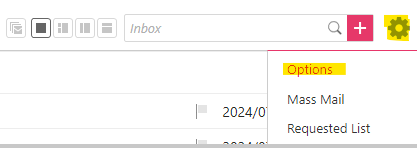
1.) Top Right Corner > ⚙Gear Icon Settings > Options
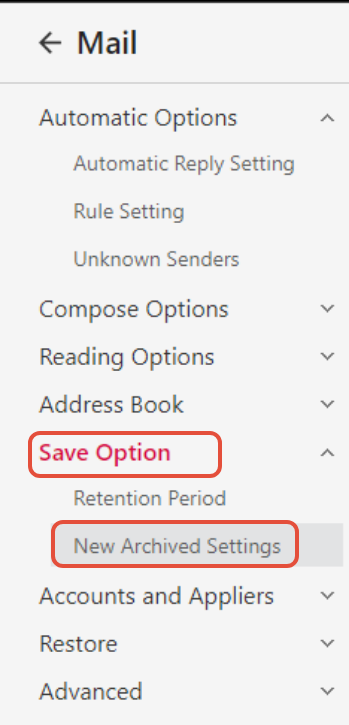
2.) Save Options > New Archived Settings
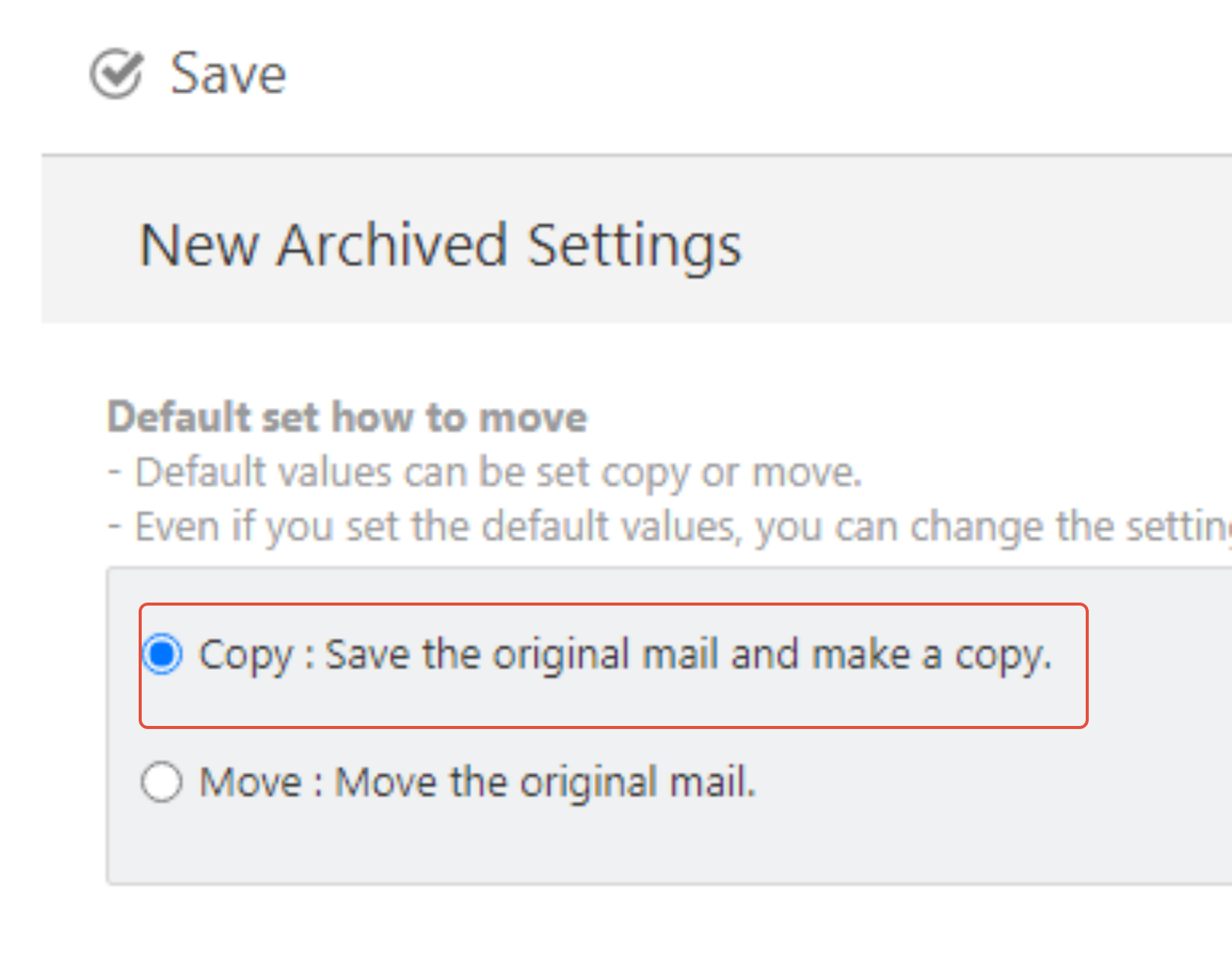
3.) Set default to Copy
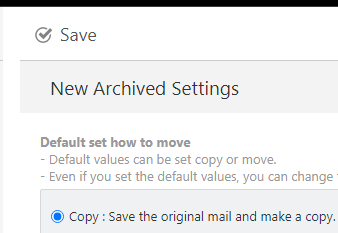
4.) Save
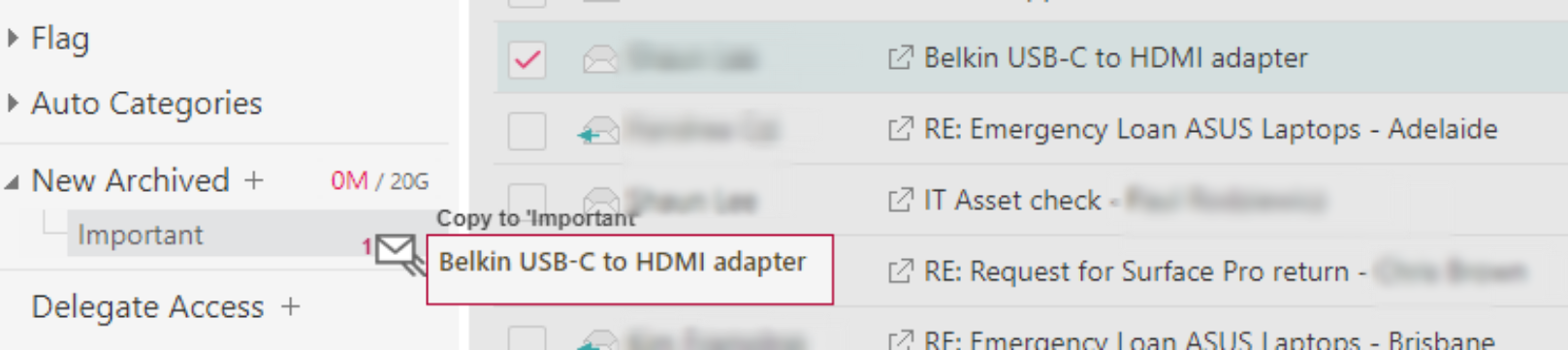
5.) Go to Mail and Move a file from Inbox to Archived
6.)Click on OK, please note that Copy is selected.
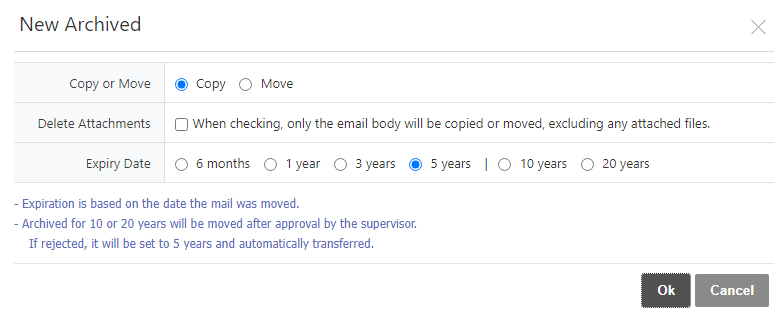
Now your emails will be saved both on archived and on the inbox.
Was this article helpful?
That’s Great!
Thank you for your feedback
Sorry! We couldn't be helpful
Thank you for your feedback
Feedback sent
We appreciate your effort and will try to fix the article