To join a MS Teams meeting on the local laptop while working from home or mobile hotspot, you need to sign out from the MS Teams first and then join the meeting as a guest since it's not allow you to sign in outside of LG network due to the security. Please follow the below steps.
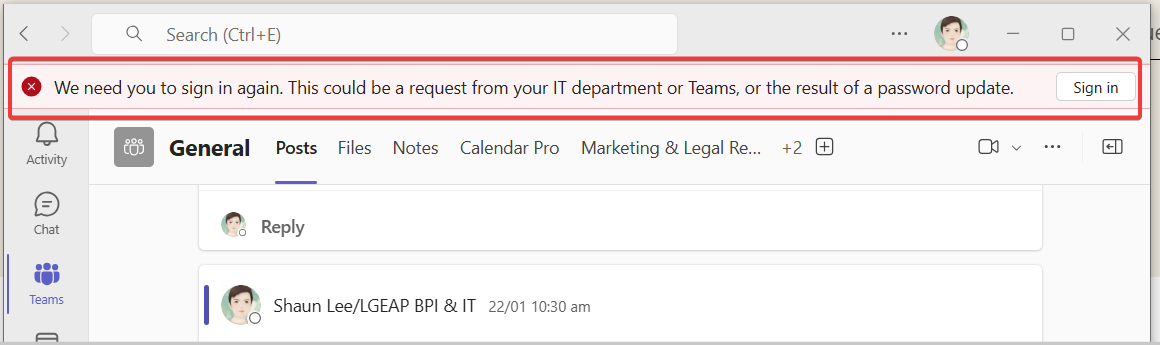
1. You can recognize you cannot sign in
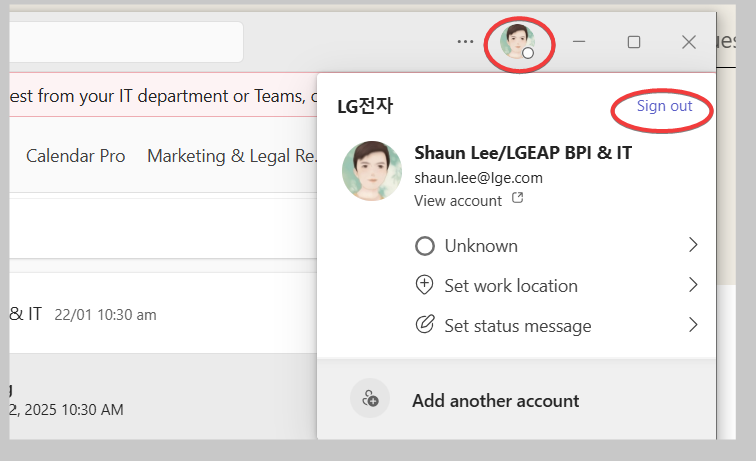
2. Click you profile and Sign out
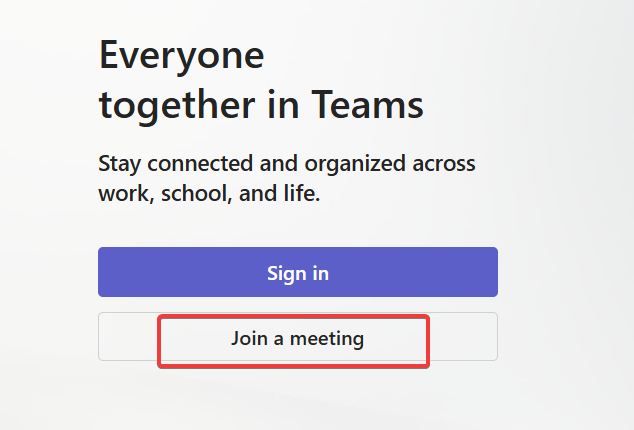
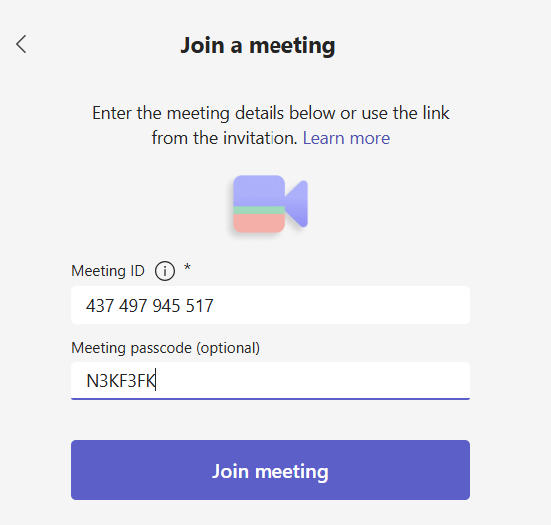
3. Joint the meeting with meeting ID info.
Was this article helpful?
That’s Great!
Thank you for your feedback
Sorry! We couldn't be helpful
Thank you for your feedback
Feedback sent
We appreciate your effort and will try to fix the article