you are not the host even if you created the meeting. However, you can join it as the host.
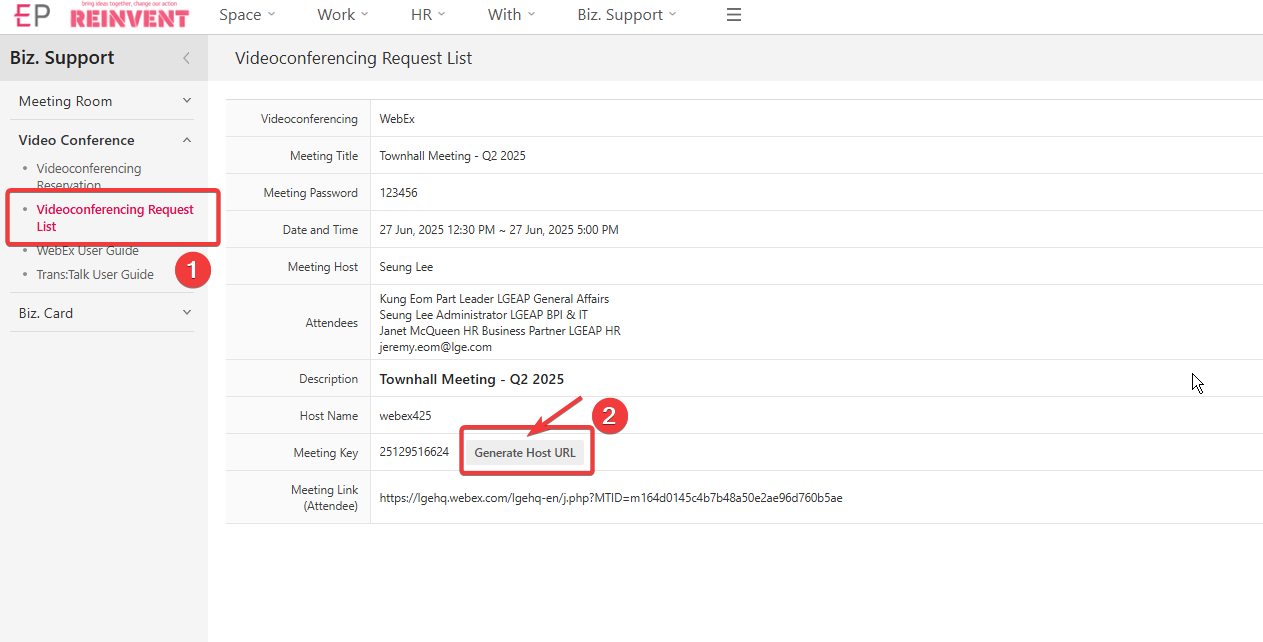
1. Go to the EP meeting information site and click "Generate Host URL"
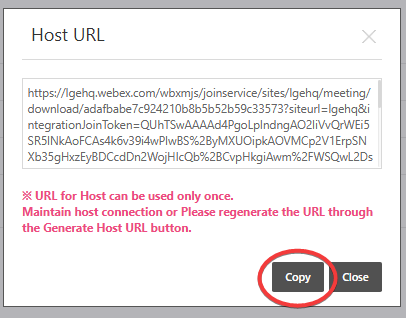
2. Simply click the "Copy" button to copy whole url.
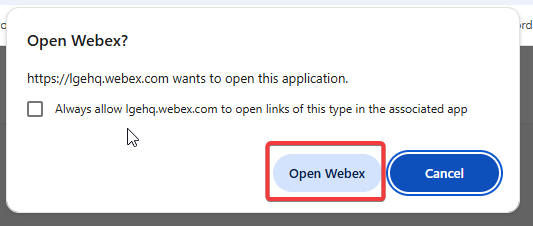
3. Go back to Local PC and then paste the URL into any web browser's address bar by pushing "Ctrl + V"

4. Join the meeting as usual.
5. Please remember you are about to join the meeting as the host (Webex 425) not under your name.
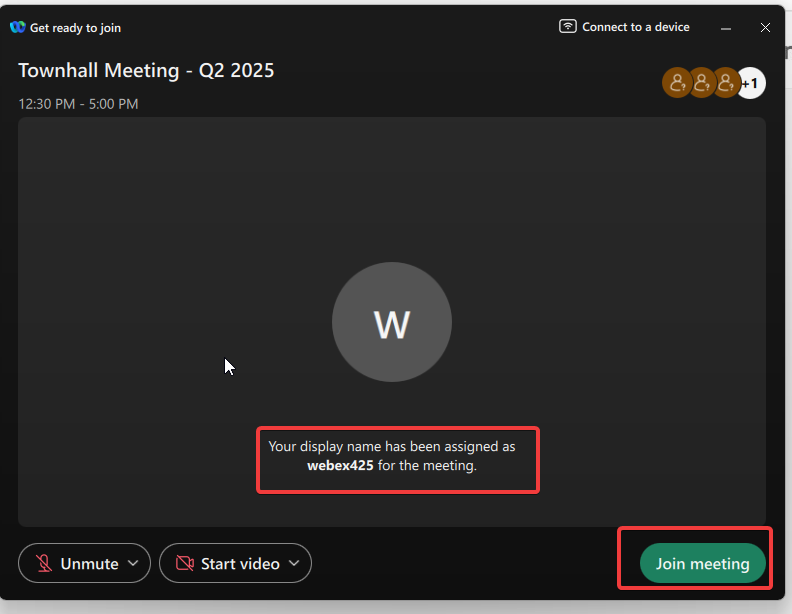
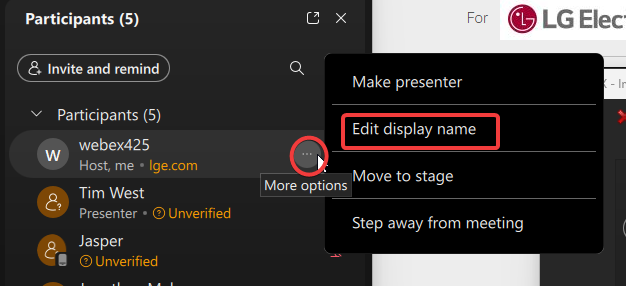
6. If you wish, you can edit the display name to your name.
Was this article helpful?
That’s Great!
Thank you for your feedback
Sorry! We couldn't be helpful
Thank you for your feedback
Feedback sent
We appreciate your effort and will try to fix the article