1. Reach out to IT for the program to enable Internet Explorer.
2. Run the executable, once it finishes what it needs to do, please restart your cloud pc.
Make sure to restart the Cloud PC and not the laptop

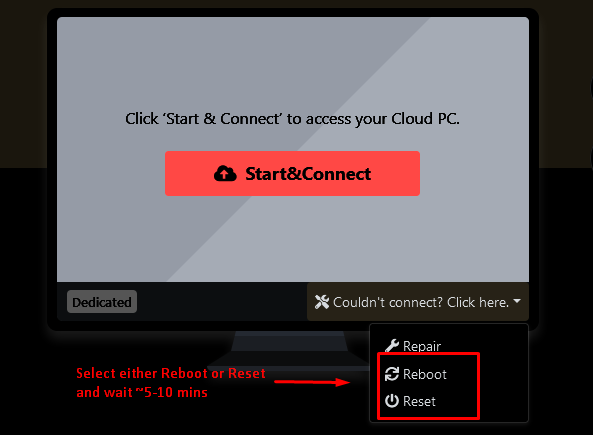
3. Once the Cloud PC has restarted, open up Internet Explorer and navigate to GSOD (Global Segregation of Duties), you will be prompted to update/install some software. Just hit "Yes/OK".
4. Once the software is updated/installed, you can access GSOD through Internet Explorer or Microsoft Edge.
Was this article helpful?
That’s Great!
Thank you for your feedback
Sorry! We couldn't be helpful
Thank you for your feedback
Feedback sent
We appreciate your effort and will try to fix the article