Hi All,
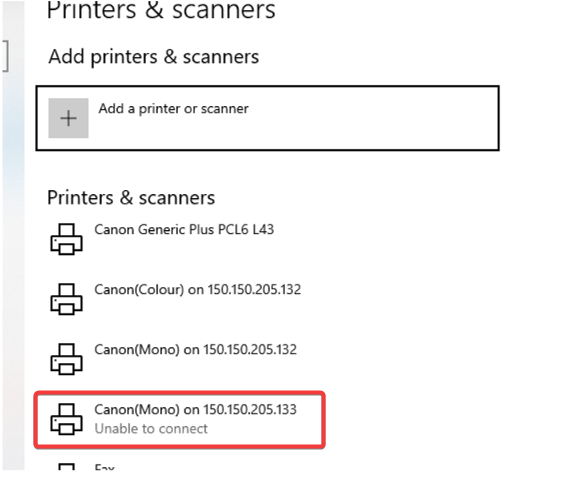
If we encounter Printer service issue with "Unable to connect", Please restart "Printer Spooler" Service.
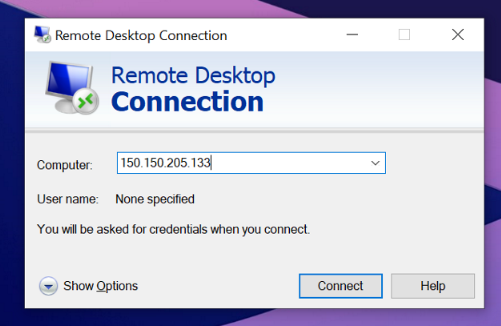
1. Please login to the Printer server via Remote Desktop Connection

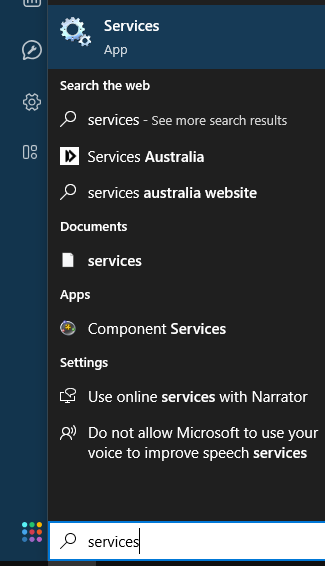
2. Run Services
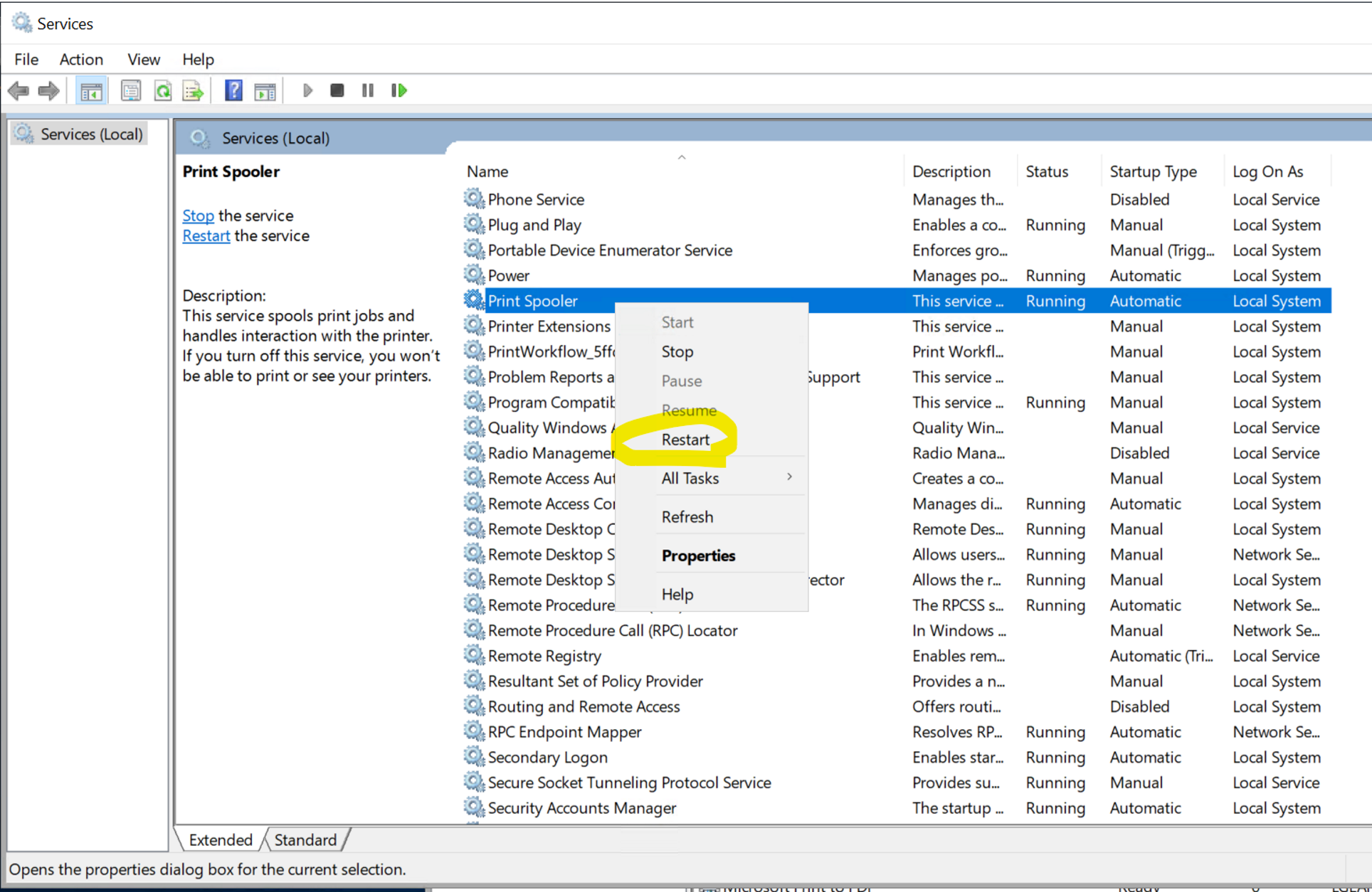
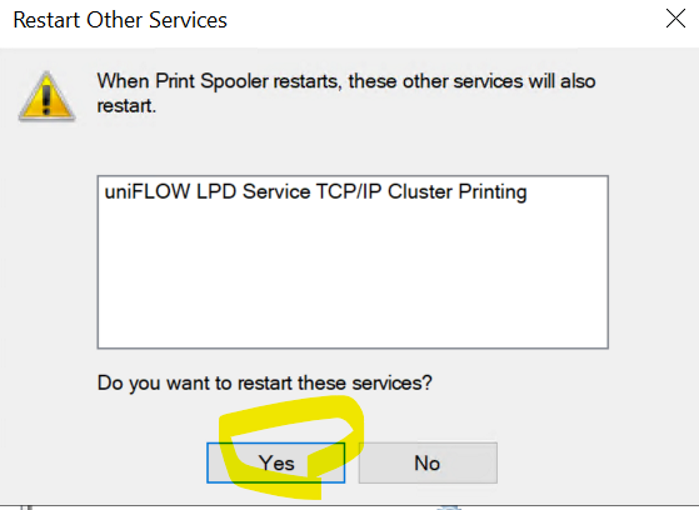
3. scroll down and find "Printer Spooler" and then right click for menu. Please select "Restart"
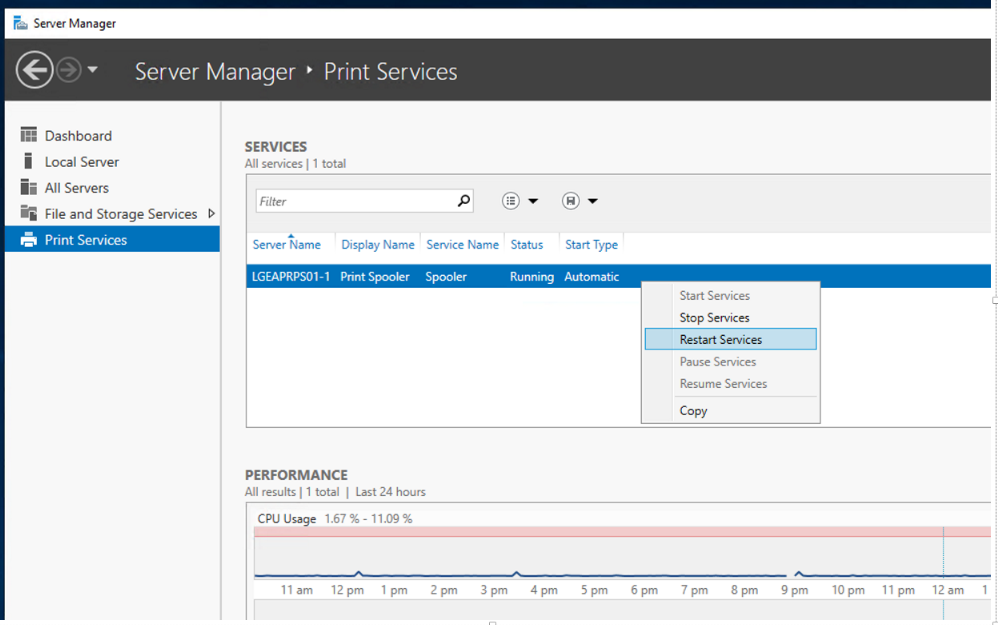
Note : you can restart Print Spooler via Server Manager (it's normally showing up once you login) as well in case you cannot run services.
Was this article helpful?
That’s Great!
Thank you for your feedback
Sorry! We couldn't be helpful
Thank you for your feedback
Feedback sent
We appreciate your effort and will try to fix the article