Only the owner of the drive can do this,
This KB article refers to ticket #32899
1.) Remove all Users out of the Cloud Disk
Go to the Cloud Management page (Outside the cloud, where you press Green / Red button).
Management > Service Request > Modify Cloud Disk Authority
In there, you can select the department Drive and remove access: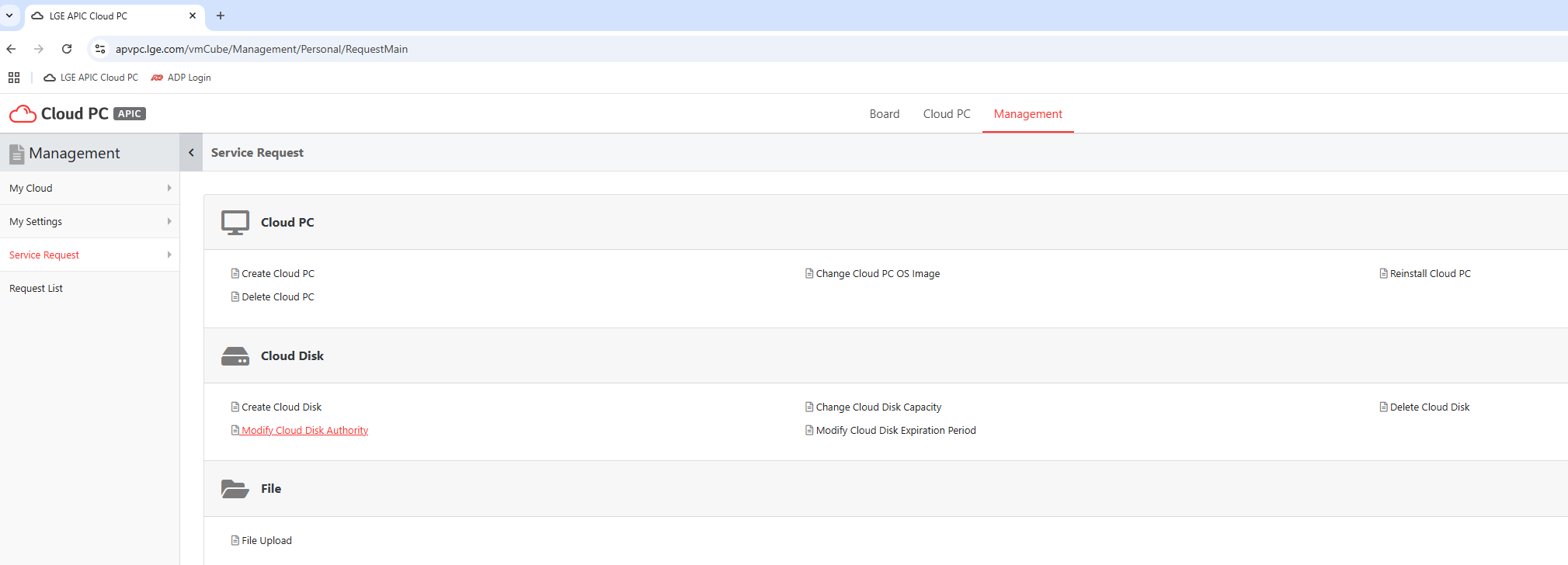
2.) Delete all users
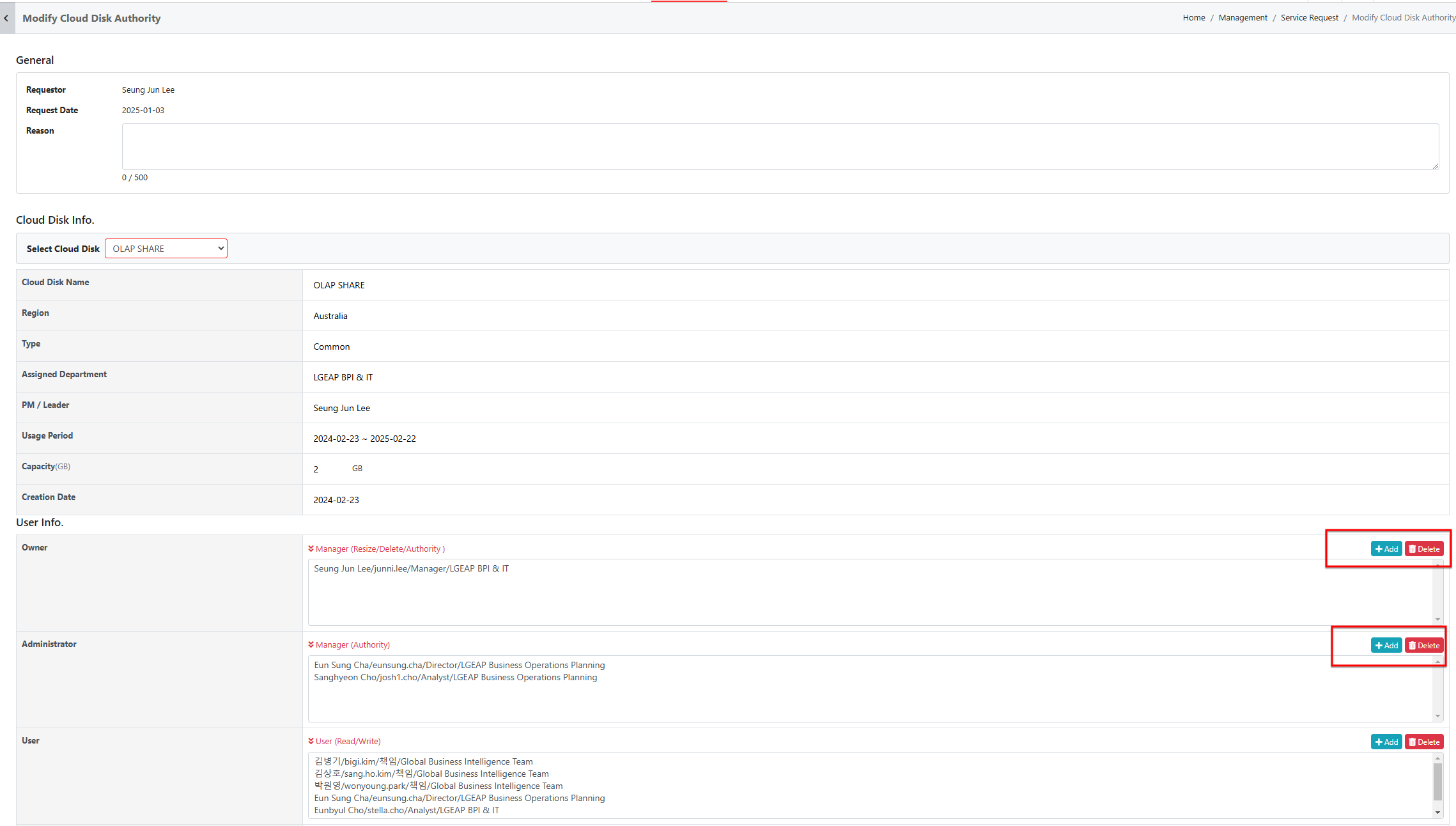
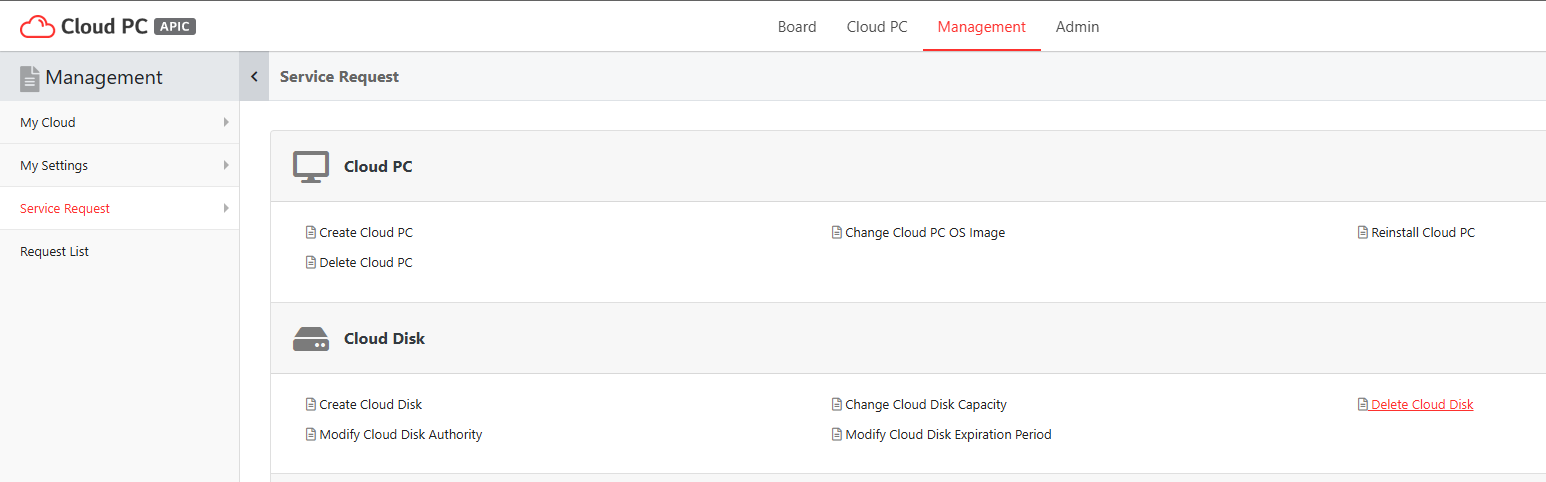
3.)Once All users are taken off,
You can come to the Service Request & Delete the Cloud Disk
Was this article helpful?
That’s Great!
Thank you for your feedback
Sorry! We couldn't be helpful
Thank you for your feedback
Feedback sent
We appreciate your effort and will try to fix the article